Introduction
Creating useful content is only one part of improving your website. Search engines also need to access, understand, and organize your pages correctly. If they cannot do this, your content may not appear in search results, even if it is well written.
This is where Technical SEO becomes important. It focuses on improving the technical health of your website so that search engines can work with it more efficiently. A technically strong website also gives visitors a smoother browsing experience.
Many beginners think Technical SEO is difficult because it sounds technical. In reality, you can improve many important areas without advanced programming skills. Learning a few basic concepts can make a big difference in your website’s performance.
This guide explains Technical SEO in simple language. It will help you understand the essential steps needed to create a website that is easy for both users and search engines to use.
What Does Technical SEO Mean?
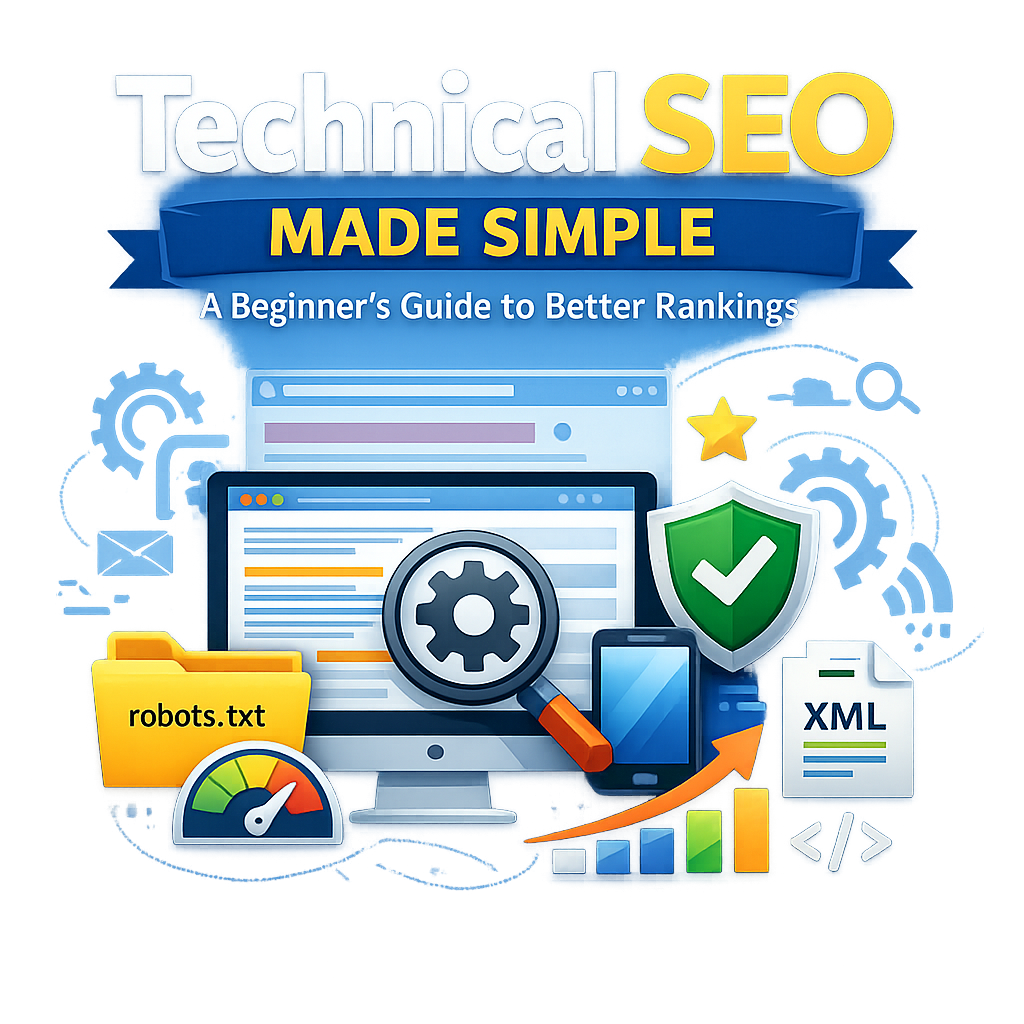
Technical SEO refers to the improvements you make to the structure and performance of your website. These improvements help search engines discover your pages, understand your content, and include it in search results.
Unlike content SEO, which focuses on writing articles and using keywords, Technical SEO focuses on how the website functions.
It covers areas such as:
- Website performance
- Mobile compatibility
- Website security
- Site structure
- Search engine crawling
- Page indexing
When these elements work well together, your website becomes easier to access and manage.
Why Should Beginners Learn Technical SEO?
Many website owners spend hours writing blog posts but ignore technical issues. As a result, search engines may struggle to access important pages.
Technical SEO creates a strong base that supports every other SEO activity.
Some important benefits include:
Better Website Performance
A technically optimized website loads faster and works smoothly on different devices.
Easier Search Engine Access
Search engines can move through your website more efficiently and understand your pages.
Better Visitor Experience
People enjoy websites that are fast, secure, and easy to navigate.
Long-Term SEO Support
Technical improvements continue helping your website as you publish new content in the future.
1. Improve Your Website Loading Time
Website speed plays a major role in user experience.
Visitors usually expect a page to appear within a few seconds. If they have to wait too long, many leave before reading the content.
A faster website also allows search engines to process more pages during each visit.
You can improve loading speed by following these simple steps:
- Resize large images before uploading them.
- Remove plugins or extensions you no longer need.
- Select reliable hosting with good performance.
- Reduce unnecessary scripts and files.
- Enable browser caching where possible.
Small improvements in speed can make your website feel much more responsive.
2. Make Every Page Easy to Use on Mobile Devices
Today, many visitors browse websites using smartphones instead of desktop computers.
A website that looks good on a computer but performs poorly on a phone may lose potential customers.
Your website should automatically adjust to different screen sizes.
Check the following:
- Text should remain easy to read.
- Images should fit the screen.
- Menus should be simple to use.
- Buttons should be large enough to tap comfortably.
- Pages should load quickly on mobile networks.
A responsive design creates a better experience for every visitor.
3. Protect Your Website with HTTPS
Security is another important part of Technical SEO.
HTTPS protects the information exchanged between your website and its visitors. It also increases confidence because users know their connection is secure.
Most modern websites already use HTTPS, but it is important to confirm that every page loads through the secure version.
A secure website offers several advantages:
- Protects user information
- Builds visitor confidence
- Supports better website credibility
- Creates a safer browsing experience
Keeping your website secure should always be a priority.
4. Organize Your URLs Clearly
Every webpage has its own web address, called a URL.
A well-organized URL tells both visitors and search engines what the page is about.
Instead of creating long addresses with random numbers or symbols, use simple words that describe the content.
For example, a page about Technical SEO should have a URL that clearly reflects that topic.
Good URL practices include:
- Keep the address short.
- Use readable words.
- Separate words with hyphens.
- Avoid unnecessary numbers.
- Keep the structure consistent across your website.
Clean URLs improve organization and make pages easier to share.
5. Help Search Engines Discover Your Pages with an XML Sitemap
An XML sitemap is a file that lists the important pages on your website.
It helps search engines understand which pages you want them to visit and index.
Although search engines can often find pages by following links, a sitemap provides a clear guide and reduces the chance that important content will be missed.
To keep your sitemap useful:
- Include important pages only.
- Remove outdated or deleted pages.
- Update the sitemap whenever new content is published.
- Submit it through Google Search Console.
A well-maintained sitemap supports better website organization and helps search engines stay updated.
Conclusion of Part 1
Technical SEO may sound complex at first, but its main purpose is simple. It helps your website perform well for both visitors and search engines. A fast, secure, mobile-friendly website with a clear structure creates a stronger foundation for all your future SEO work.
In this first part, you learned the basics of Technical SEO and explored five essential areas: website speed, mobile responsiveness, HTTPS security, clean URLs, and XML sitemaps. These improvements are practical, beginner-friendly, and valuable for websites of every size.
In Part 2, you will learn about robots.txt, crawlability, indexing, structured data, Core Web Vitals, common Technical SEO mistakes, a practical checklist, frequently asked questions, and simple steps to keep improving your website over time.